
The Unending Quest for Organisation: Digitising My CD Collection
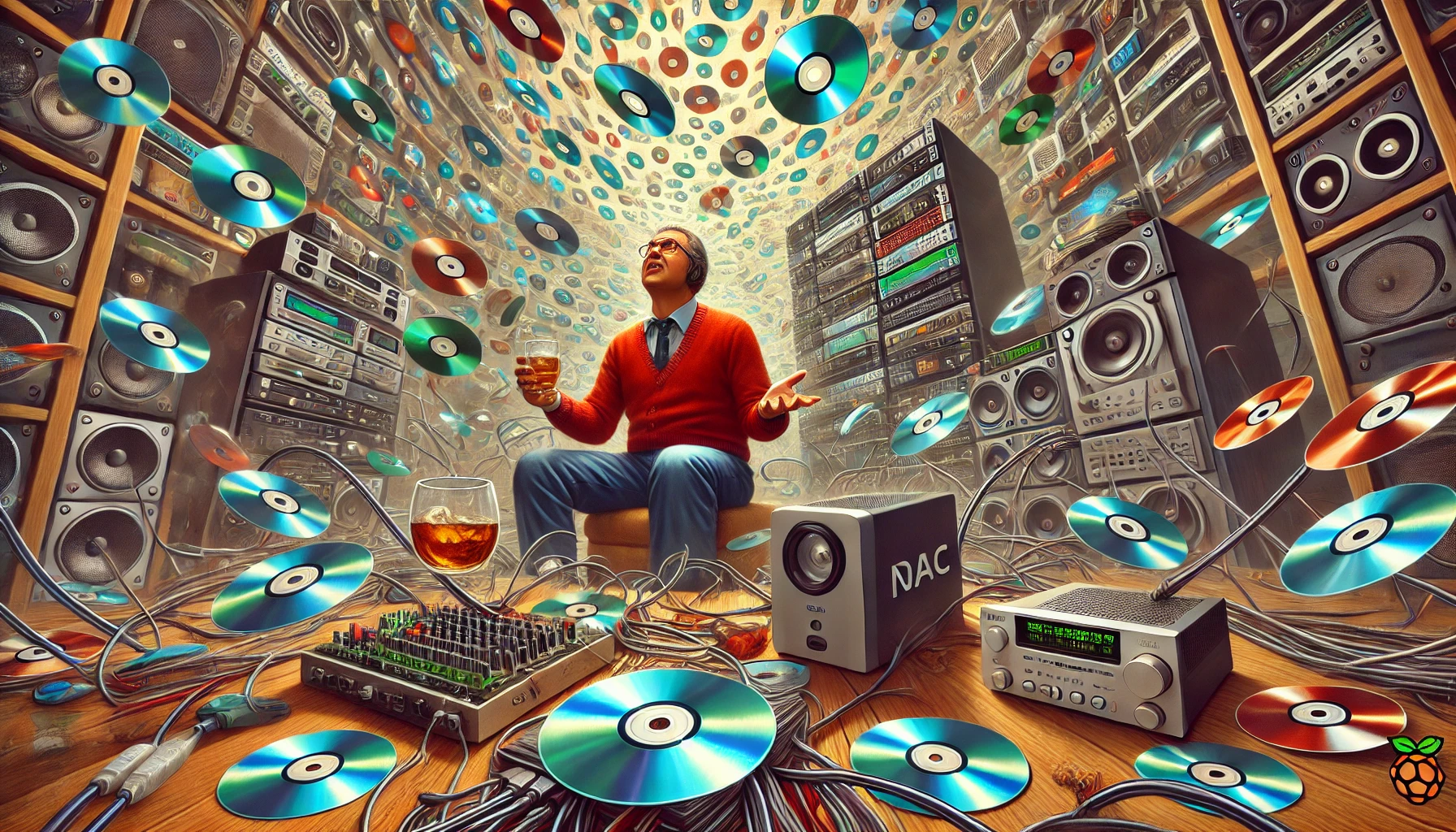
Anyone who’s dabbled in the art of music collecting knows that it can quickly spiral into an obsession. What starts as a manageable number of albums on a shelf can, over the years, evolve into an unwieldy collection scattered throughout the house. In my case, this happened with CDs. After accumulating thousands of discs over decades, I found myself staring at towering stacks, asking the inevitable question: Where the hell do I store all this?
I’ve never quite found a perfect way to display and sort my ever-growing collection of CDs. You’d think I’d invest in some sleek storage solution by now, but instead, I’ve taken a different route. I digitise them all and store the physical copies away. Yes, they’re still here in the house stashed away in sit-on storage boxes that are scattered throughout different rooms, like hidden treasure troves for serendipitous rediscovery. I’m not sure how much my wife appreciates these boxes encroaching on our living space, but hey, it keeps the clutter somewhat contained.
The Discogs Inventory: My Safety Net for Music Shopping
Of course, before any CD is tucked away into oblivion, I make sure it’s properly catalogued. Every single disc that enters my house gets logged into my Discogs collection. This might sound a bit obsessive, but there’s a method to the madness. Discogs helps me keep an inventory of what I already own, so I don’t accidentally buy duplicates while I’m out crate-digging or shopping online. It also gives me a sense of order in what could otherwise be an overwhelming collection.
If you’re familiar with Discogs, you know it’s more than just a tool for organisation. It’s a community-driven database, where I can track everything from pressing variants to market values. And, honestly, it’s a joy to look back at the collection I’ve built over the years. Even if I rarely open most of the physical cases anymore, it’s satisfying to know they’re all documented.
Ripping with dBpoweramp: Getting Digital Files Right
Now comes the fun par.t… ripping. Every CD I own is meticulously ripped using dBpoweramp, a tool known for its precision and high-quality extraction. It’s not just a matter of copying files from a disc; dBpoweramp ensures that I get the highest quality rip possible, verifying the integrity of each track as it’s transferred to digital format. For an audiophile like me, that’s crucial. I’m not satisfied with low-quality MP3s so everything is ripped to FLAC, ensuring that the richness and depth of the original recordings are preserved.
The NAS (network-attached storage) is where these digital files live, neatly organised and backed up. My music collection, which now spans thousands of albums, is all there… safe, secure, and easily accessible. It’s like building a personal streaming service, only instead of relying on the whims of Tidal or Apple Music, I control everything. And I don’t have to worry about albums mysteriously disappearing from the platform, because it’s all mine.
Home Listening with Volumio: The Old-School Meets the New
For home listening, I use Volumio running on a Raspberry Pi with a Hifiberry DAC2 HD. This setup is simple yet powerful. The Pi acts as the brain of my system, while the DAC ensures that the digital music from my NAS is converted into pristine analog sound. This is all plugged into my trusty old HiFi receiver, which has seen decades of use but still delivers that warm, full-bodied sound that keeps me anchored in the world of physical audio gear.
What I love about Volumio is its user interface. It indexes and displays my entire collection, making it easy to browse through thousands of albums. I’ve got an old iPad set up next to my HiFi, acting as a remote control. It’s a modern twist on the old-school practice of “putting on a record.” I can browse through my collection just as I would with physical media, but now I also get to read artist stories, album details, and more right from the screen. It’s an immersive experience that makes me feel connected to the music, without having to shuffle through CDs.
Streaming Anywhere with PlexAmp: My Personal Spotify
While home listening is one thing, there’s something special about taking your music with you wherever you go. And while I could subscribe to Tidal, Spotify, or Apple Music, I’ve gone a different route. For out-of-home listening, I use Plex Server running on an old PC, connected to PlexAmp. This setup essentially turns my NAS into a personal streaming service, accessible from anywhere in the world.
PlexAmp is a pretty slick app, offering all the bells and whistles you’d expect from a mainstream streaming service. It has features like smart playlists, album recommendations, and even artist bios, all wrapped up in an intuitive interface. But the best part? It’s my music, ripped from my CDs, exactly the way I want it. I’m not at the mercy of record labels or streaming services that might pull an album or replace it with a questionable remaster. My library remains intact, curated by me and accessible anytime.
The Obsession: Time, Effort, and the Payoff
Now, don’t get me wrong, this process takes time. Ripping CDs isn’t exactly a speedy endeavour, and managing a digital library of thousands of albums is, well, a full-time hobby. Some might call it obsessive. In fact, my wife often rolls her eyes when she sees me cataloguing yet another CD or fiddling with the settings on Volumio. She has a point, it’s not like I could just put on Tidal and be done with it. But where’s the fun in that?
There’s something deeply satisfying about knowing that my entire collection is digitally archived, with the physical copies safely stashed away in those storage boxes. It’s like having the best of both worlds. And with the right whiskey in hand, diving into a carefully curated album feels like a proper ritual, a man-cave hobby that guarantees my music collection will outlast any streaming service.
Future-Proofing: Ready for the Apocalypse
And let’s not forget the ultimate selling point: zombie apocalypse readiness. If the world falls apart and the internet collapses, I’ll still have my FLAC files ready to go. Sure, the rest of society might be scavenging for food and water, but I’ll be in my bunker, surrounded by cables and whiskey, streaming lossless audio from my NAS like it’s no big deal. In a world where Spotify is a distant memory, I’ll still have access to my carefully ripped albums.
So, yes, it takes effort, but it’s worth every second.